Google Workspace signature management
Control & automate Google Workspace signatures
Deploy company-wide signatures from your Google Workspace directory in minutes.
Built for IT teams managing Gmail at scale
How it works
Own every Google Workspace signature from one dashboard
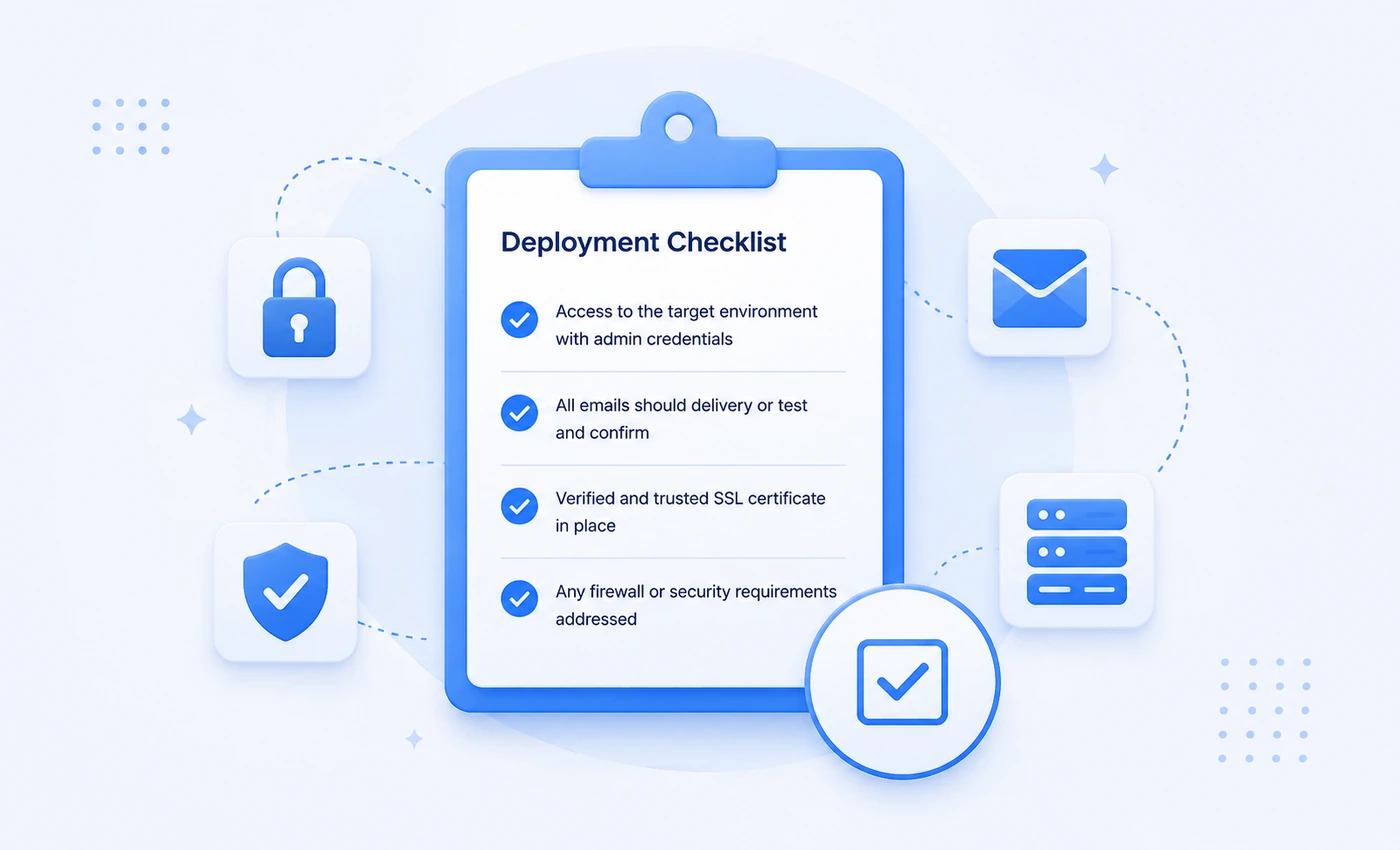
"We configured SignSyncer once — after that every user has synced automatically. It just works."
— Early access design partner, CIO
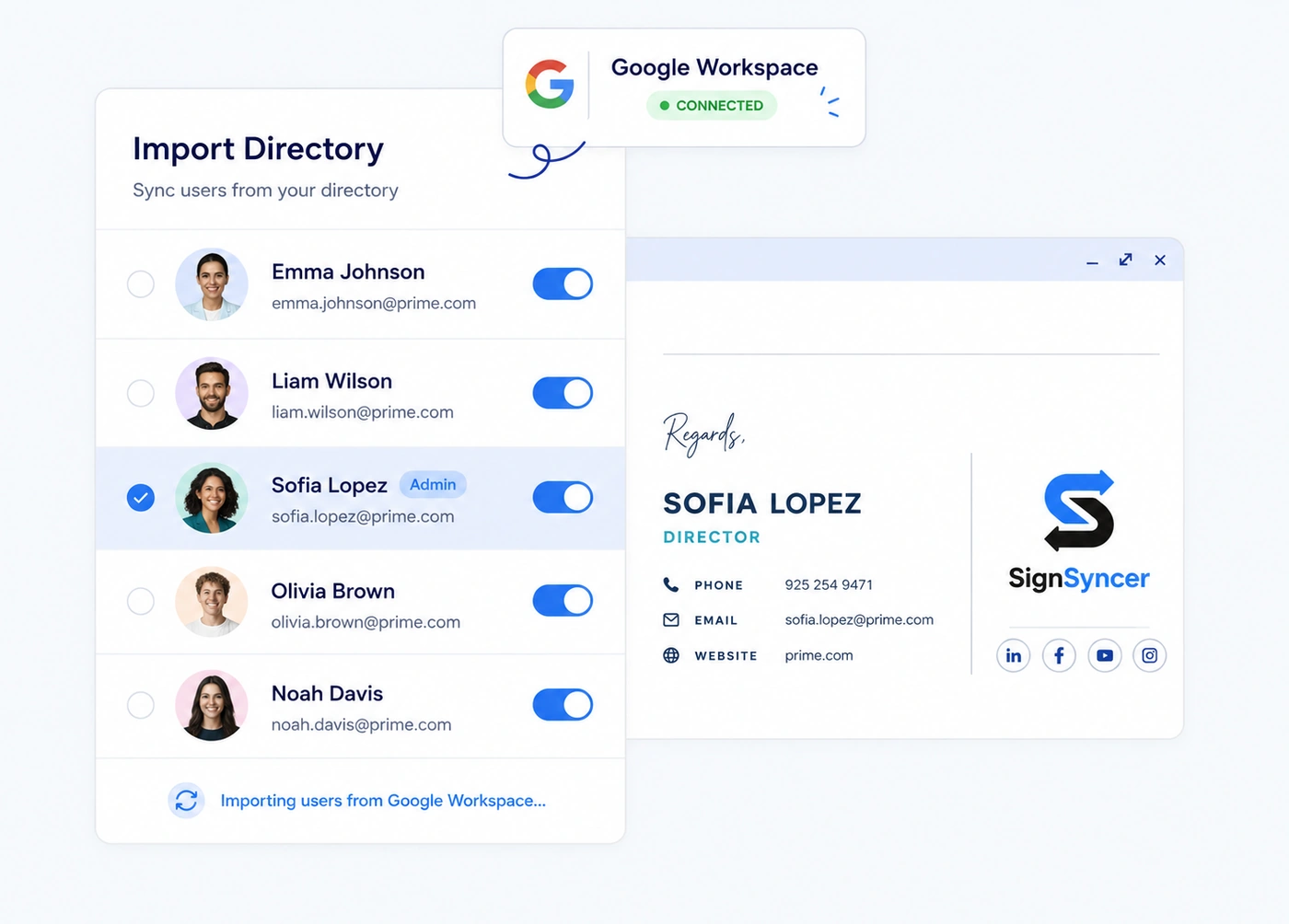
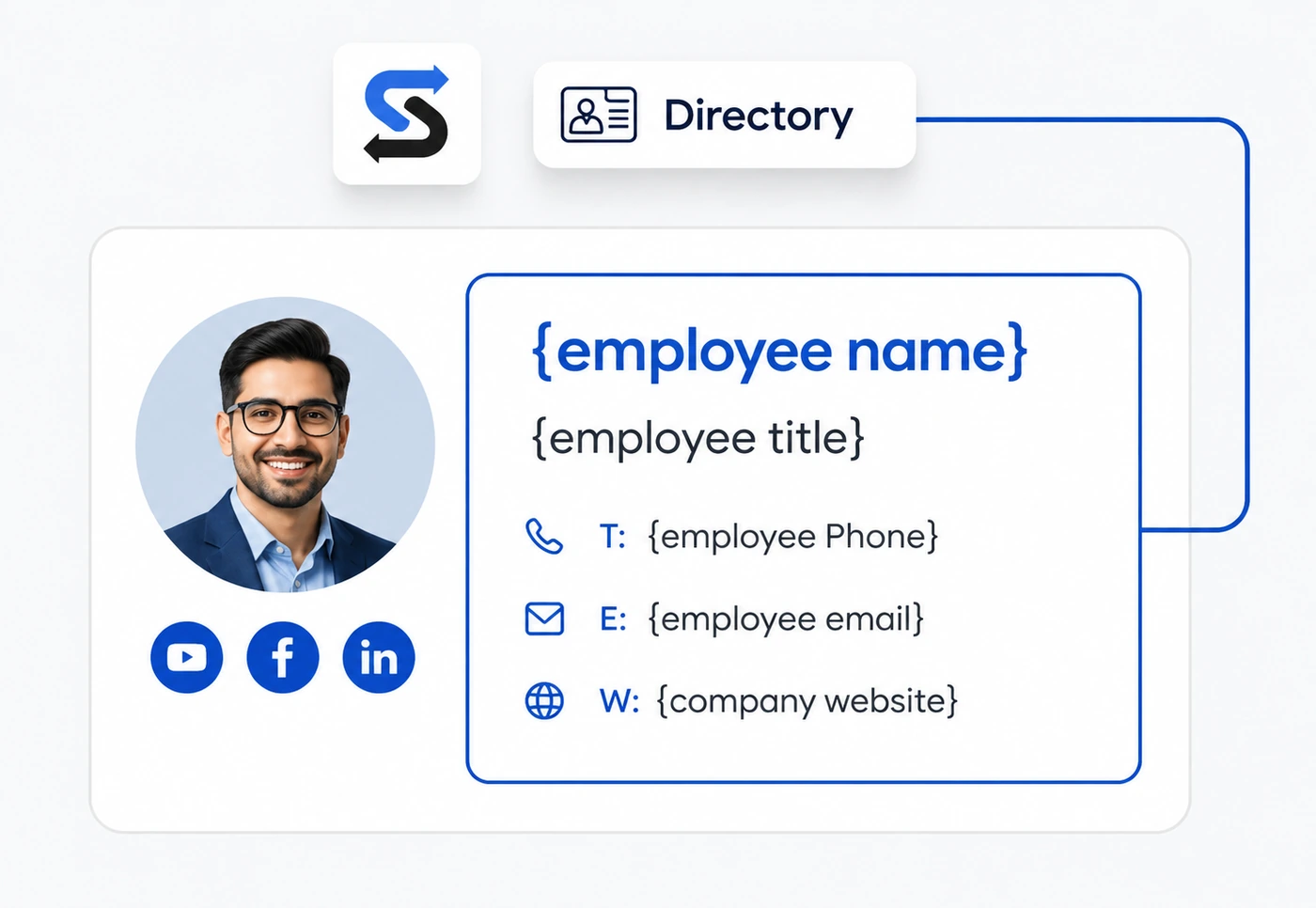
Directory sync
Keep signature data current without manual updates
- Syncs from Google Workspace Directory daily
- Job titles, phone numbers, and departments update automatically
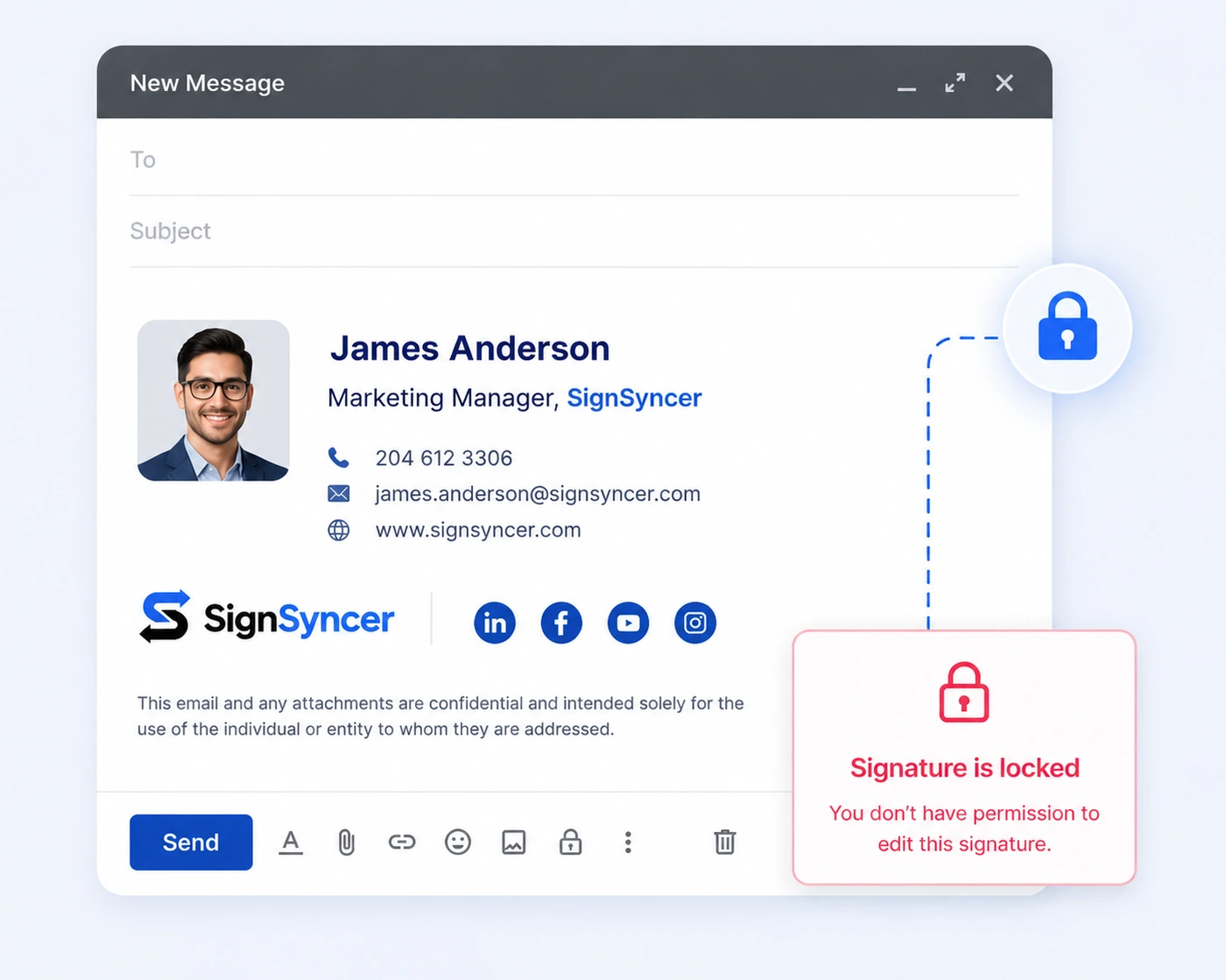
Signature locking
Stop employees from changing or breaking signatures
- Admins lock the template
- Employees can update only approved personal details
- Branding, disclaimers, and design always stay intact
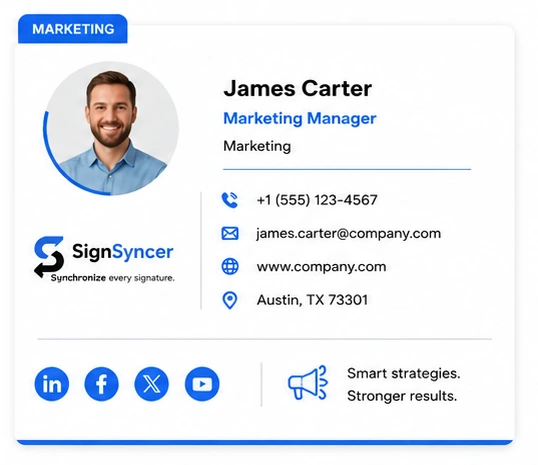
Group assignment
Assign signatures by team, department, or brand
Different templates apply automatically to each Google Workspace group or OU — Finance, Sales, and Legal each get the right signature.
Deployment options
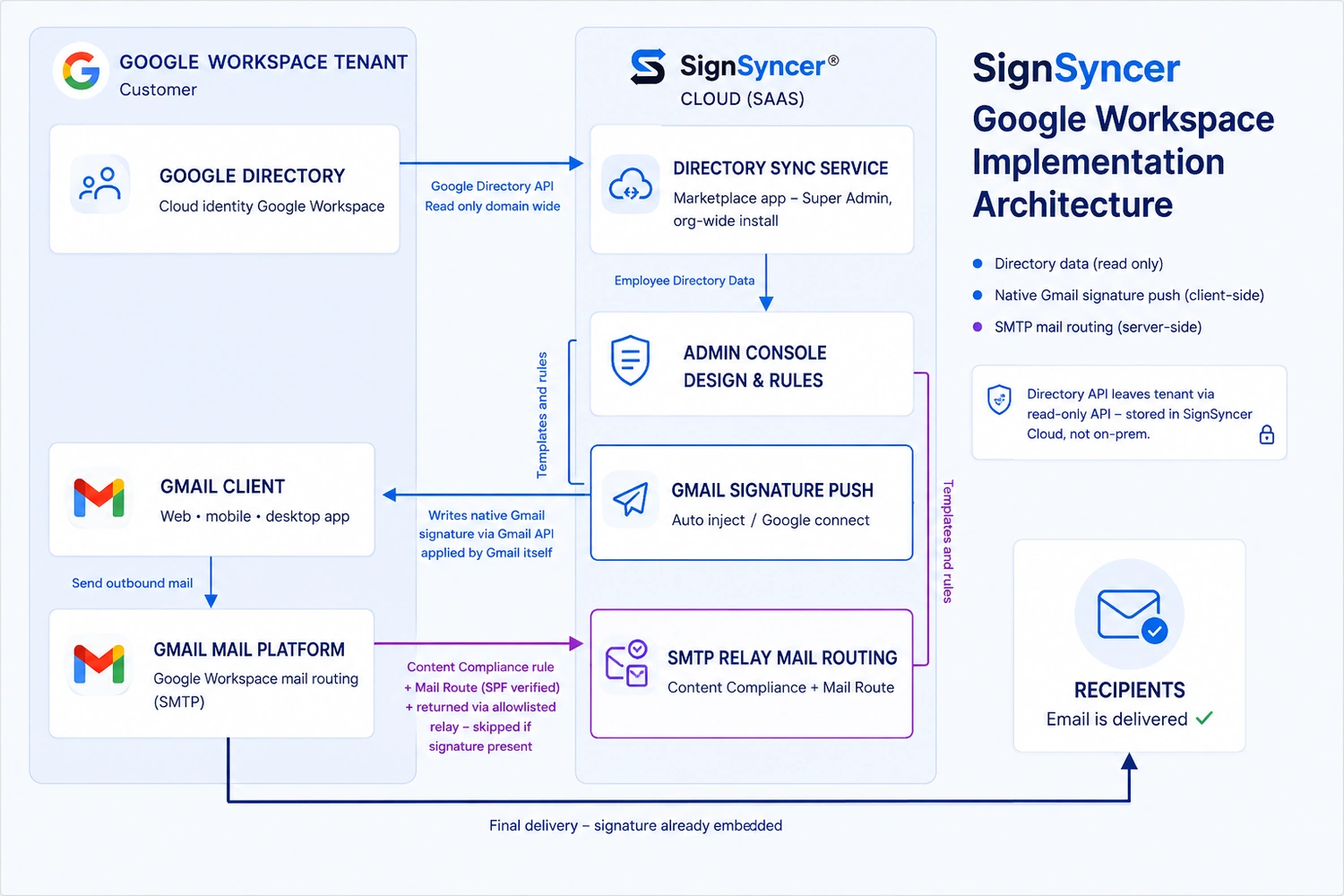
Signatures deploy directly to Gmail via the Google Workspace API using OAuth 2.0 — no client plugin or email rerouting required.
Identity integrations
Connects to Google Directory and Azure Active Directory, and SSO providers via SAML 2.0.
No content access
SignSyncer never reroutes email or accesses message content.
Team capabilities
Give every team what they need
Schedule and measure signature campaigns across Gmail
- Banners swap automatically on a schedule
- Run tests across departments to compare performance
- Click and impression data by department and campaign
Enable sales to drive demos from Gmail signatures
- Demo or calendar booking CTAs in every rep's signature
- Pull rep details automatically from your CRM
- Time banners to launches, conferences, or campaigns
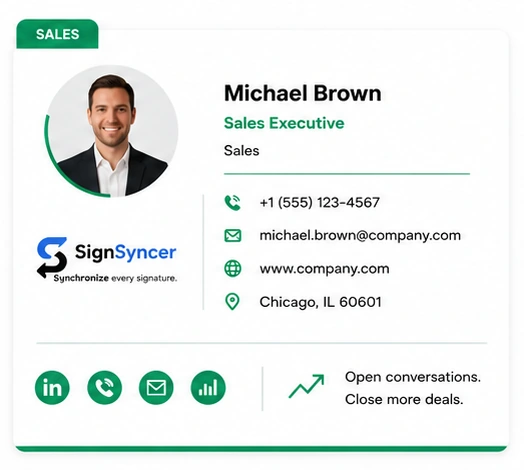
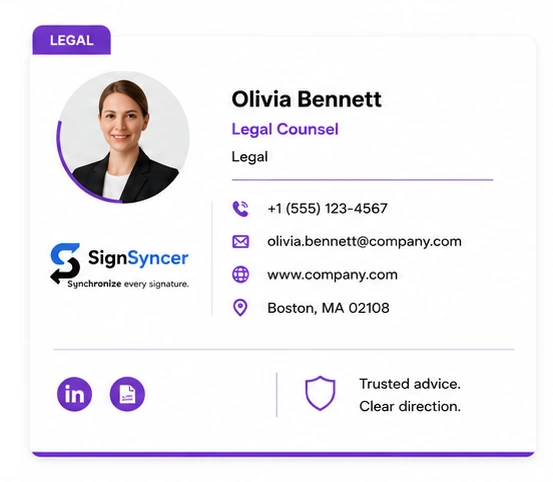
Keep every Gmail message legally covered
- Assign disclosures and confidentiality clauses by group
- Correct legal text appears in every outgoing Gmail, without exception
- Audit log records which disclaimer was active on any date
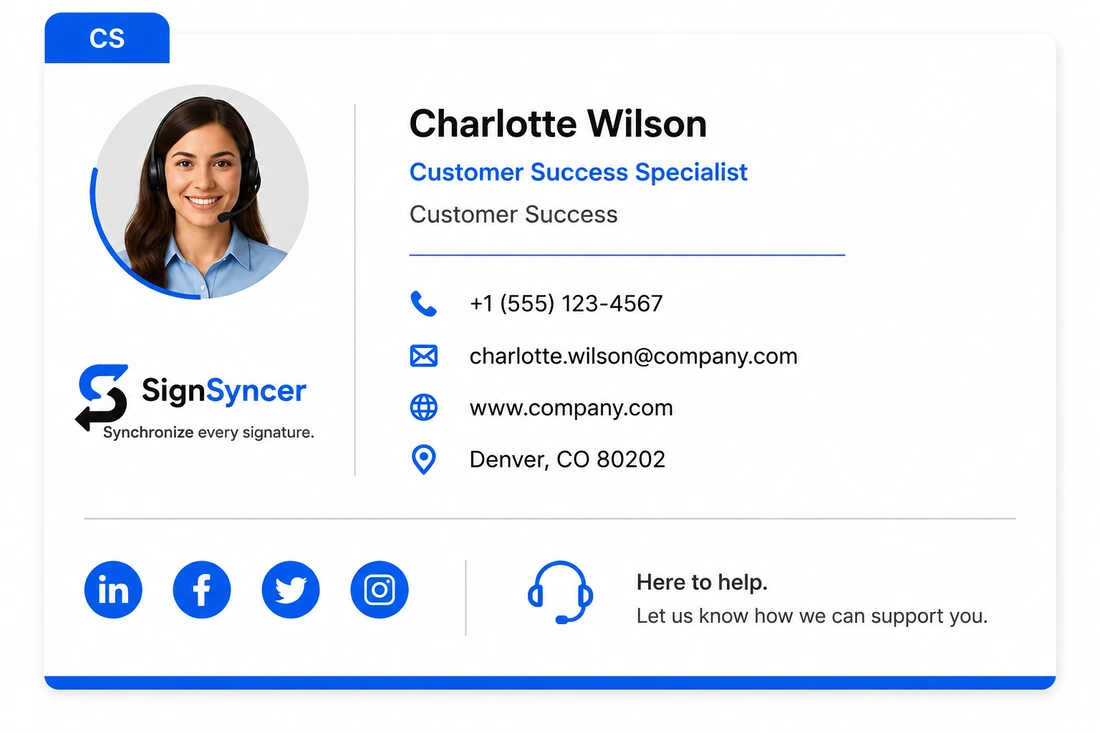
Collect feedback and surface social proof
- Review widgets display your current rating
- A CSAT or survey link in the signature
- Social feed widget surfaces recent posts
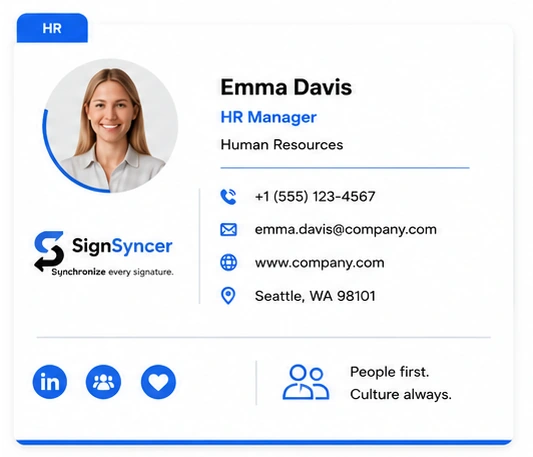
Signatures sync with Google Workspace accounts
- Signature ready the moment an account goes live
- Deactivates the moment an account is removed
- Departed-employee emails redirect to their replacement
Native vs. SignSyncer
What does native Google Workspace signature management leave unsolved?
| Capability | Native Google Workspace | SignSyncer |
|---|---|---|
| Company-wide signature enforcement | No | Yes |
| Template locking | No | Yes |
| Group or department-based assignment | No | Yes |
| Consistent across Gmail web, iOS, Android | Varies (user-set) | Yes |
| Auto-provision new hires from directory | Manual | Automatic |
| Sync job titles & phone numbers | Manual | Automatic |
| Disclaimer enforcement by department | No | Yes |
| Marketing banners & click analytics | No | Yes |
| Audit trail and change history | No | Yes |
Take control of company email signatures
Stop signature chaos. Roll out standardized, brand-consistent signatures company-wide in less than a day.
FAQ
Google Workspace signature questions
A platform giving admins centralized control over Gmail signatures — deploying branded templates, locking content, syncing employee data from Google Directory, and enforcing disclaimers by department.
The Google Admin console can configure a basic per-user default signature, but offers no central locking, group-based assignment, or directory-driven auto-updates. SignSyncer integrates via the Gmail API to deliver those capabilities.
Yes. SignSyncer locks Gmail signatures so employees can't alter branding, logos, or legal disclaimers, applied via the Gmail API — bypassing the Gmail compose editor entirely.
Yes, via group-based and OU-based assignment. Each Google Workspace group or organizational unit receives its own template automatically when employees are added.
When an account is deactivated in Google Workspace, SignSyncer deactivates the signature automatically — no manual IT step required.