Integrations
Integrations that power smarter email signatures
SignSyncer connects to your stack in a click — no complex configuration, no ongoing maintenance.
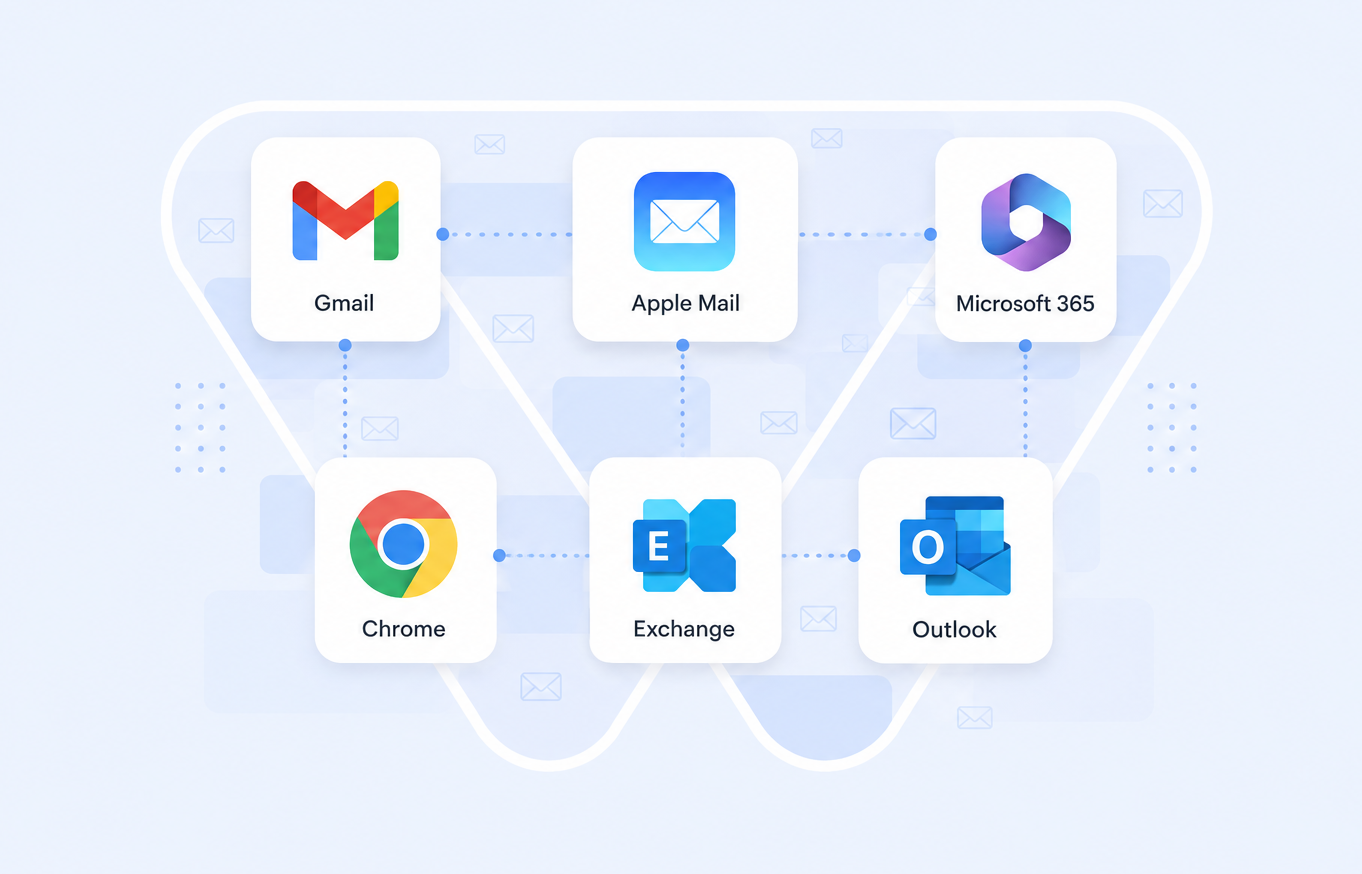
Works everywhere your team already sends email — Gmail, Apple Mail, Microsoft 365, Chrome, Exchange, and Outlook, all from one place.
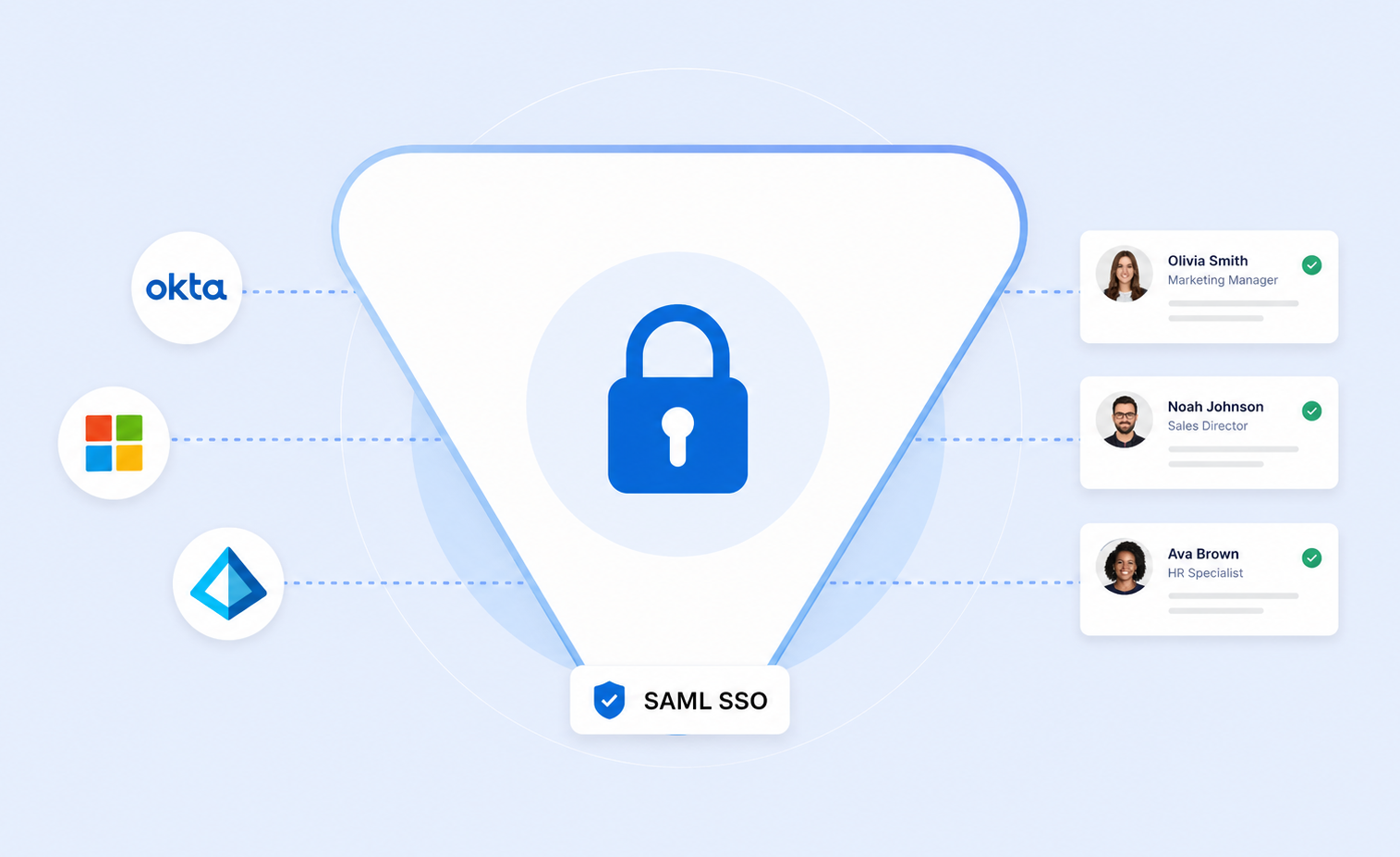
Provision and de-provision users automatically with SAML SSO — Okta, Microsoft, and OneLogin — so access always matches who's on your team.
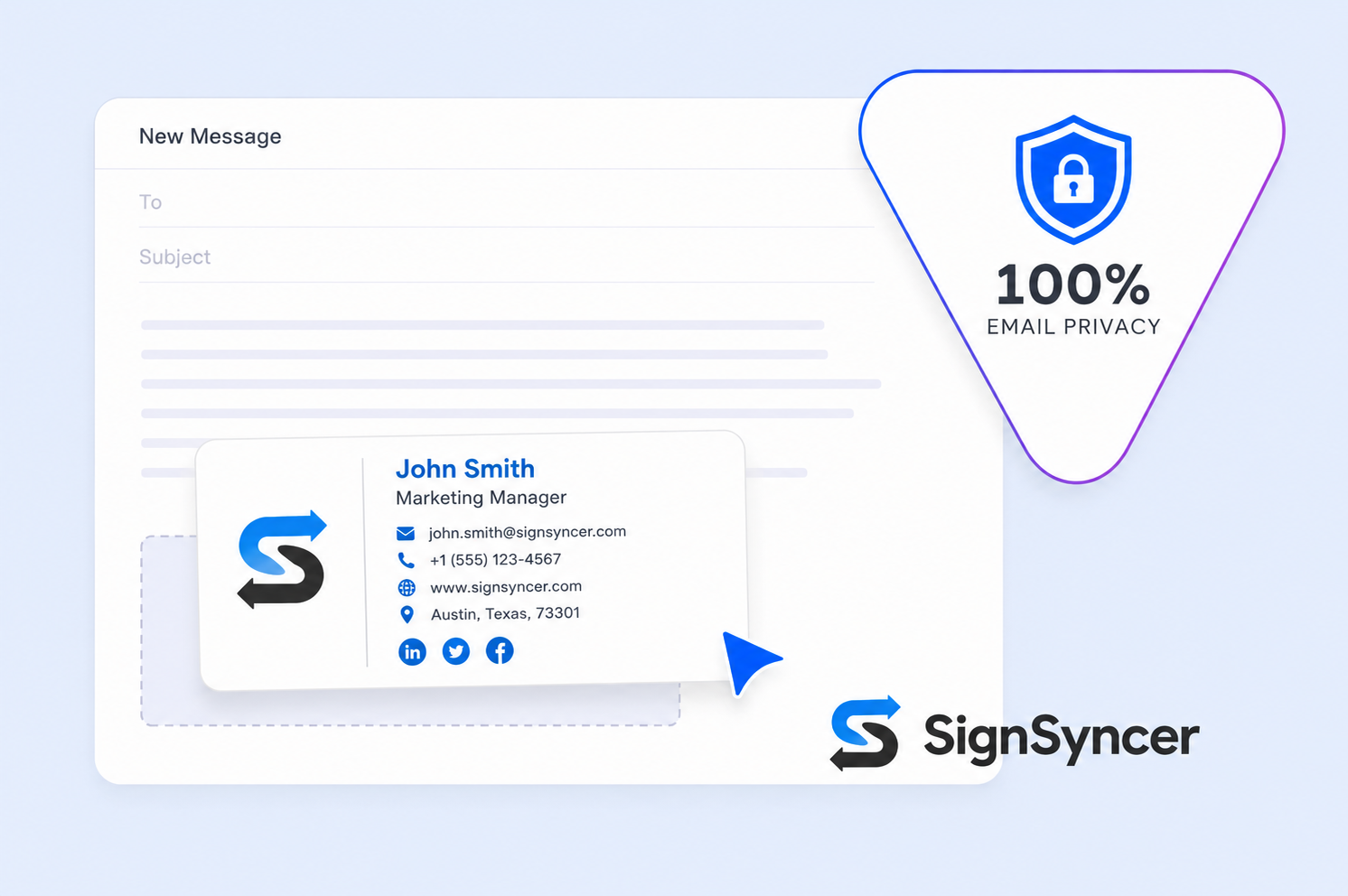
SignSyncer never reads, stores, or scans the content of your emails — signatures are added without ever touching what's inside.
Full coverage with any email provider
Works with Google Workspace, Outlook, Microsoft 365, Mac Mail, Gmail, Chrome, and Exchange — built to handle enterprise scale without slowing anything down.
Identity access on autopilot
Streamline provisioning and secure login for signature updates while keeping centralized control — SignSyncer works with Okta and other SAML-based SSO platforms.
Privacy first. No exceptions.
Emails are private communication. SignSyncer never accesses, stores, or reads their content — no compromises, ever.
Email signature management integrations
Google Workspace
Seamless integration, highly secure, with user sync and data transfer — no maintenance after the initial install.
See how it works →Microsoft 365
A straightforward integration between Office 365 accounts and the SignSyncer management platform.
See how it works →Exchange
Easily manage signatures across on-premises Exchange, hybrid Exchange, and Exchange Online.
See how it works →"We only had to configure SignSyncer once — after that, every user has synced automatically. It works exactly like it should."
— Early access design partner, IT lead
Easily integrates with your CRM
SignSyncer's server-side solution works with whichever CRM you're already running, at enterprise scale, without slowing anything down.
Salesforce
Keep customer interactions consistently on-brand.
HubSpot
Enhance marketing automation with branded signatures.
Zoho CRM
Boost campaigns with personalized signatures.
Pipedrive
Leave a consistent impression with every email.
Marketo
Personalize signatures across customer segments.
Salesloft
Drive engagement with consistent outreach signatures.
Microsoft Dynamics
Maximize the impact of every marketing email.
NetSuite
Better lead engagement with personalized signatures.
Built for every business, independent of your CRM
Your CRM
An email is sent from your organization's CRM, linked to your email provider.
Your email server
The email reaches your company's mail server — Google Workspace, Exchange, etc.
SignSyncer server-side
The message routes through our server, where the correct signature is added.
Recipient inbox
The message, with signature attached, is delivered via the email server.
SignSyncer does not store or read email content on its servers. Each account is processed in complete isolation.
Turn your inbox into a productivity engine
Integrations that work from the moment you connect — automate signatures and workflows without the complexity.