
Browser Extension
Browser extension
SignSyncer Chrome Extension
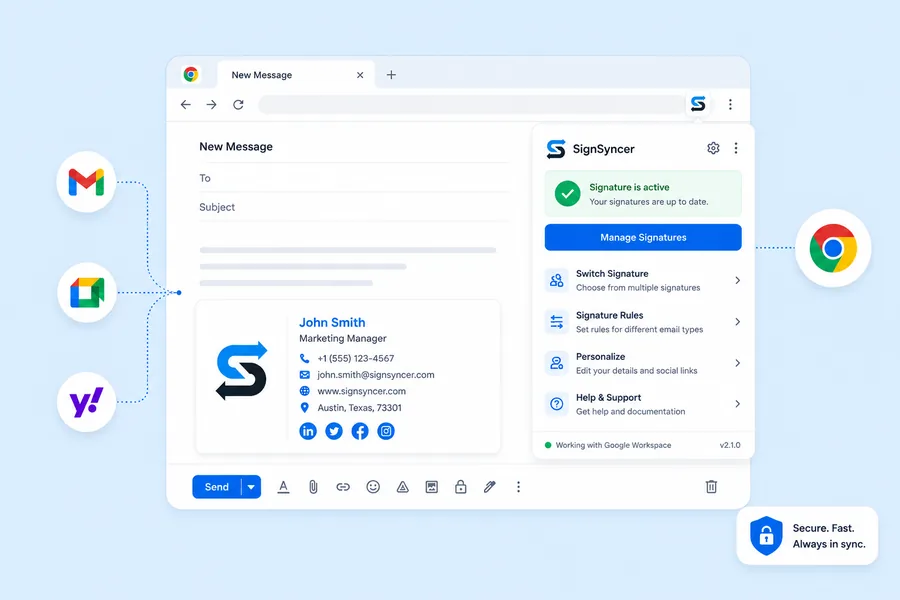
Create, manage, and deploy stunning email signatures directly from your browser — tailored to your personal or business needs.
Why choose the extension
Without extension vs. with SignSyncer
| Feature | Without extension | For individuals | For teams (coming soon) |
|---|---|---|---|
| Automatic insertion | — | ✓ | ✓ |
| Easy editing access | — | ✓ | ✓ |
| Multiple signature support | — | ✓ | ✓ |
| Automatic primary / secondary signature | — | ✓ | ✓ |
| Shared mailboxes | — | — | ✓ |
| Centralized installation | — | — | ✓ |
| Signature code size limit | 10,000 char. | Unlimited | Unlimited |
For teams
Empower employees with personalized signature options
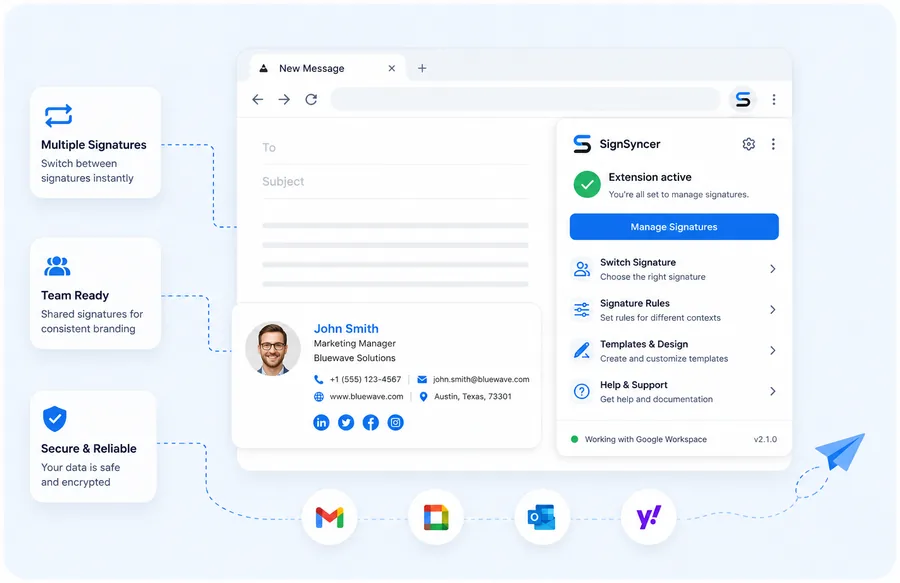
Give each employee a signature based on email type — primary, reply, forward — and let them edit their own details instantly. Shared inboxes support personal signatures too, great for sales or support teams.
- Allow employees to choose between signatures
- Use shared mailboxes
- Central installation and setting control
- Clear visibility into extension status
Why SignSyncer
Why choose SignSyncer
Time saving
Automate signature setup and updates across every platform you use.
Brand consistency
Every email communication reflects your visual identity, consistently.
Easy customization
Tailor signatures with logos, banners, social links, and more.
FAQ
Extension questions
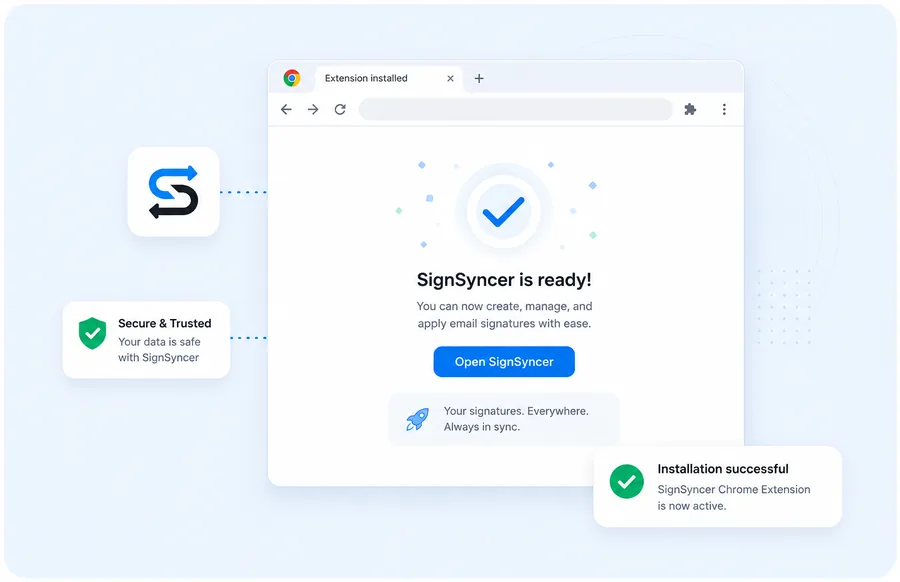
Go to the extension's Chrome Web Store page and click "Add to Chrome" in the top-right corner. It installs in seconds — no restart needed.
Go back to the same Chrome Web Store page and click "Remove from Chrome," or manage it from chrome://extensions in your browser.
It gives you control over exactly which signature applies to which email type, applied automatically — no risk of pasting the wrong version or forgetting altogether.
It can be part of a hybrid setup, combining client- and server-side coverage so signatures apply across the widest possible range of email scenarios.
Get your signature in your browser today
Free to install, ready in seconds — no credit card needed.